GIMP Image Editor for 2D Raster Graphics
GIMP - a free photoshop alternative. It's worse* but it's open source. Worse features, better license and privacy. GIMP has a lot of graphics editing and authoring features like color curves, layers, masks, effects, custom brushes, plugins.
What Is GIMP?
GIMP is a free and open source image editor available for GNU/Linux, macOS, Windows. It has many features built in, and a lot of plugins that extend the editor. It can do a lot, but it is hard to use.
The most important features
- Comprehensive Image Editing - support for .PNG, .JPG .WEBP, and other popular formats in any resolution and color space.
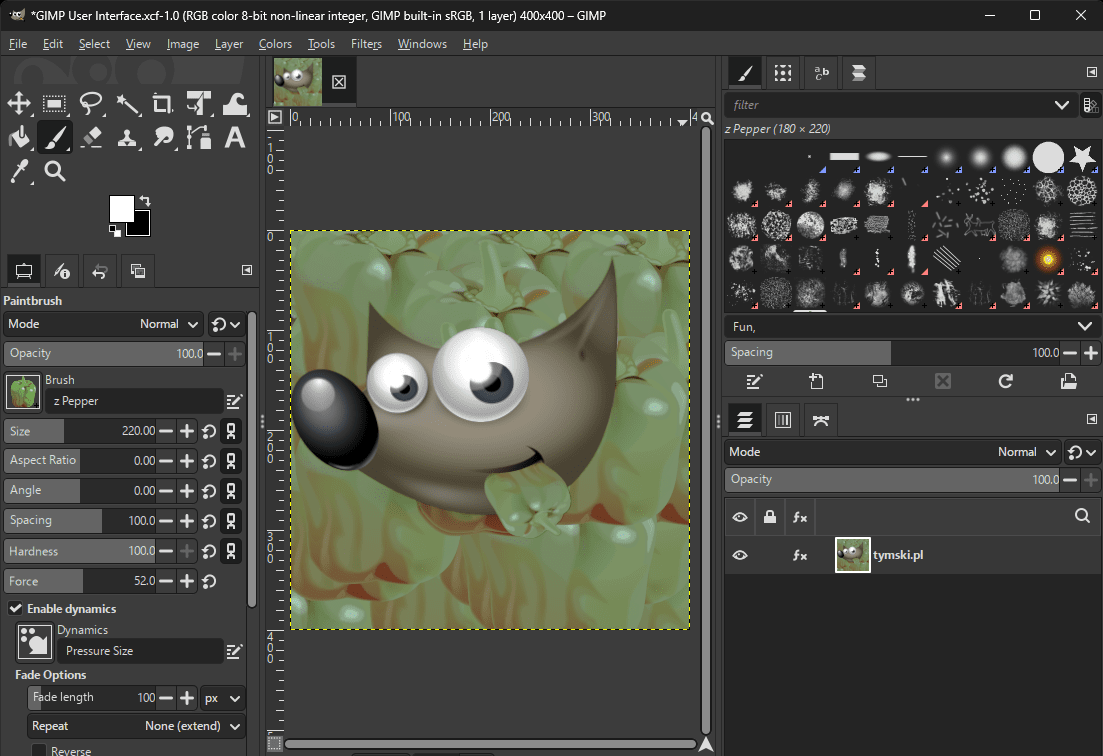
- Layers and Masks - creating and editing any number of image layers with masks, with an ability to display and edit them separately. Layers can have different resolutions and can be different than your canvas.
- Various brushes and tools - Clone Stamp Tool, Healing Brush, custom PNG brushes, rulers, pencil, symmetry painting.
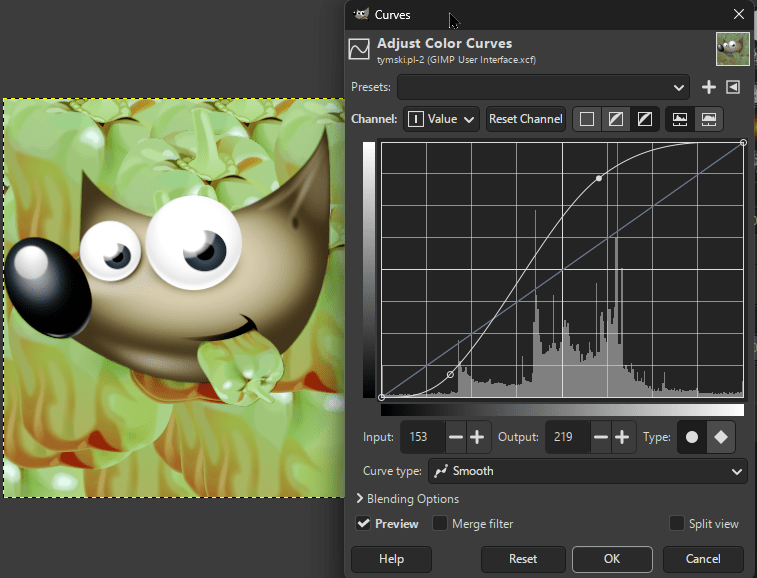
- Effects for layers and image - adjust color curves, exposure, filters like blur, saturation, white balance.
- Selection tools - lasso, rect, circle, by color, by edges, and more.
- New features - active community that expands the editor and makes it better. Recently they added a lot of new non-destructive workflow features.
Best use cases for GIMP Image Editor
- Image composition - combining multiple images into one new scene that also can be adjusted later.
- Color correction, color adjustment, levels - GIMP has easy to use curve editors.
- Editing pixel art or other small resolution images. You can zoom in very far to see single pixels.
- Blurring a part of an image - there is a convenient blur brush or you can select a part of the image and quickly apply a gaussian blur filter.
GIMP alternatives
Although GIMP has a lot of features, there are programs better suited for some of the use cases:
- KRITA - better for painting.
- Adobe Photoshop - GIMP supports .PSD files, but doesn't have feature parity, so some PSD projects may still require photoshop.
- RawTherapee - more convenient .RAW photos processing.
- MS Paint - more intuitive and easier to use. Better for quickly adding a big red arrow to a screenshot.
- Canva - quickly using templates.
GIMP is quirky and unintuitive
To effectively use gimp, you need to be aware of some unique behaviors and unclearly highlighted details, that make a huge difference.
The active Selection
In GIMP, the selected area determines the boundary of effect of some tools. For example, you can't paint outside the selection if it exists.
The active Layer
You can paint (or use tools) on the active layer. For example when you use a color picker, you may pick a color you can't see - when the active layer is below the top layer.
Multiple resolutions in the same project
The canvas resolution may be different than the resolution of layers. The layers also don't automatically extend when needed, you need to fill a form like it's a 90s website.
Download the App
Gimp can be downloaded from the official www.gimp.org/downloads page.
Source code and license
tl;dr license: You own your art. Gimp is free to use and distribute. You may modify gimp as you wish, but can only distribute it with a GPLv3 license.
The gimp repository on gitlab holds info from over 20 years ago. Some features are tested and working for decades!
My experiences with GIMP
I found GIMP's learning curve very steep, but once I learn a feature or tool, it is OK and gets the job done. I used GIMP in many occasions over past 10 years, when creating and editing sprites for my games. Because the editor is old, it has a lot of tutorials on YouTube. It also has docs with explanations on how the features work.
Conclusion
The complexity of GIMP comes from badly designed interface, not from the complexity of the problems it's trying to solve.
Tymski's rating: 4/5 stars.